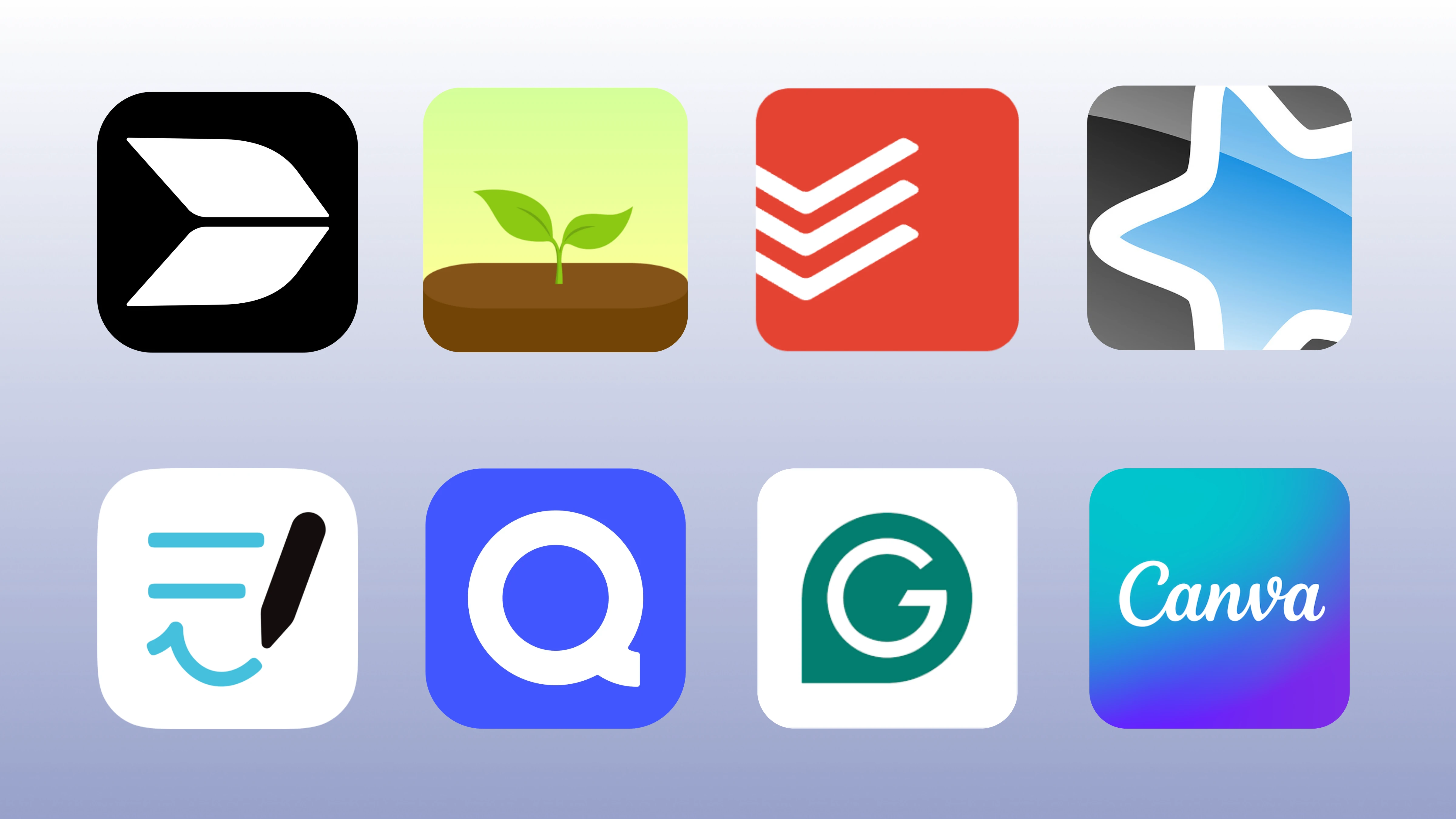
Best iPhone Productivity Apps 2026: 10 Apps That Actually Replace Your Laptop
In 2026, the iPhone has evolved into a sophisticated "cognitive workstation" and a hub for edge computing. Navigating today’s "paradox of choice" requires a curated matrix of AI-driven, automated tools designed to reshape professional workflows. This guide explores the year's top efficiency apps—from unified workspaces like Buildin to ritualized focus tools
Your iPhone is more powerful than the laptop most people used five years ago. The right apps close the gap further — turning a pocket device into something that genuinely handles writing, project tracking, email triage, and knowledge work without needing to reach for a MacBook. This guide covers 15 iPhone productivity apps tested in 2026, ranked by how much real work they let you get done on a 6-inch screen.
Finding the right iPhone productivity apps is harder than it sounds. Most recommendation lists just dump 50 apps with no ranking logic. We tested apps across writing, task management, focus, email, and knowledge management — then cut it down to 15 that genuinely let you leave the laptop behind. Whether you need a full second brain system, a clean task manager, or AI that actually speeds up your writing, this list has your answers. Note: We focused specifically on iPhone productivity apps 2026 that handle real work, not entertainment or lifestyle apps.
1. Buildin: The All-in-One Powerhouse for Knowledge & Monetization
If you are searching for the definitive Notion alternative in 2026, Buildin is the undisputed leader. While traditional workspace tools focus solely on organization, Buildin bridges the gap between creating knowledge and earning from it.
Why Buildin is the #1 iPhone Efficiency Tool
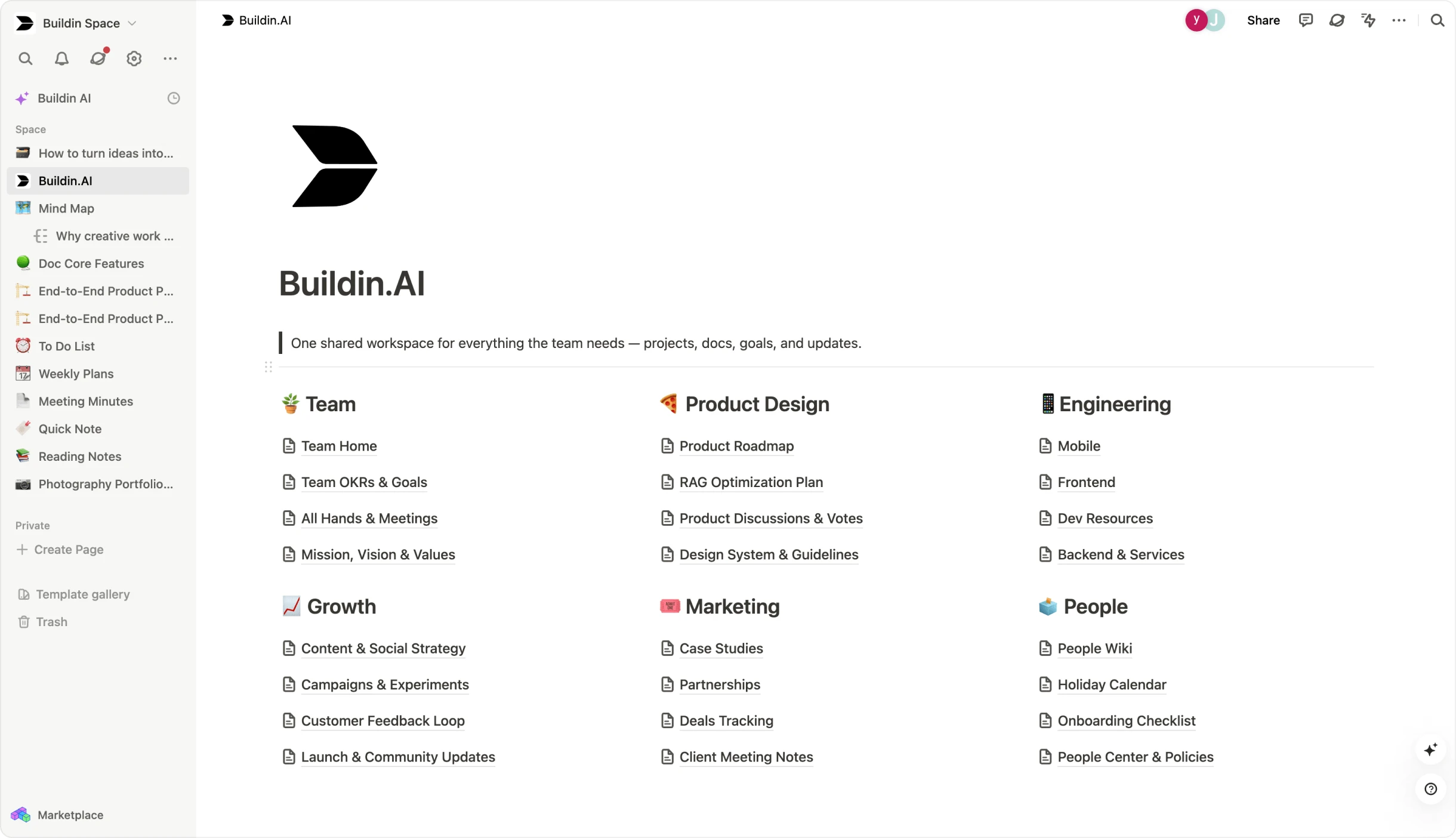
Buildin is a comprehensive note-taking and knowledge management tool designed for both individuals and teams. It offers flexible pages and databases that make it easy to organize notes, manage projects, and build team knowledge bases. Unlike other tools that feel like "desktop-first" ports, Buildin offers a clean, intuitive mobile editing experience combined with powerful team collaboration tools, ensuring your workflow, communication, and documentation all live in one unified space.
The Game Changer: Built-in Content Monetization
For digital creators and educators, Buildin introduces a unique paid subscription feature. You can turn your notes, templates, articles, or tutorials into paid content directly within the app. You can set custom prices and offer one-time purchases or recurring subscriptions. Because subscribers get direct access within Buildin, it eliminates the need for third-party platforms like Gumroad, making it the best productivity app for iPhone for the creator economy.
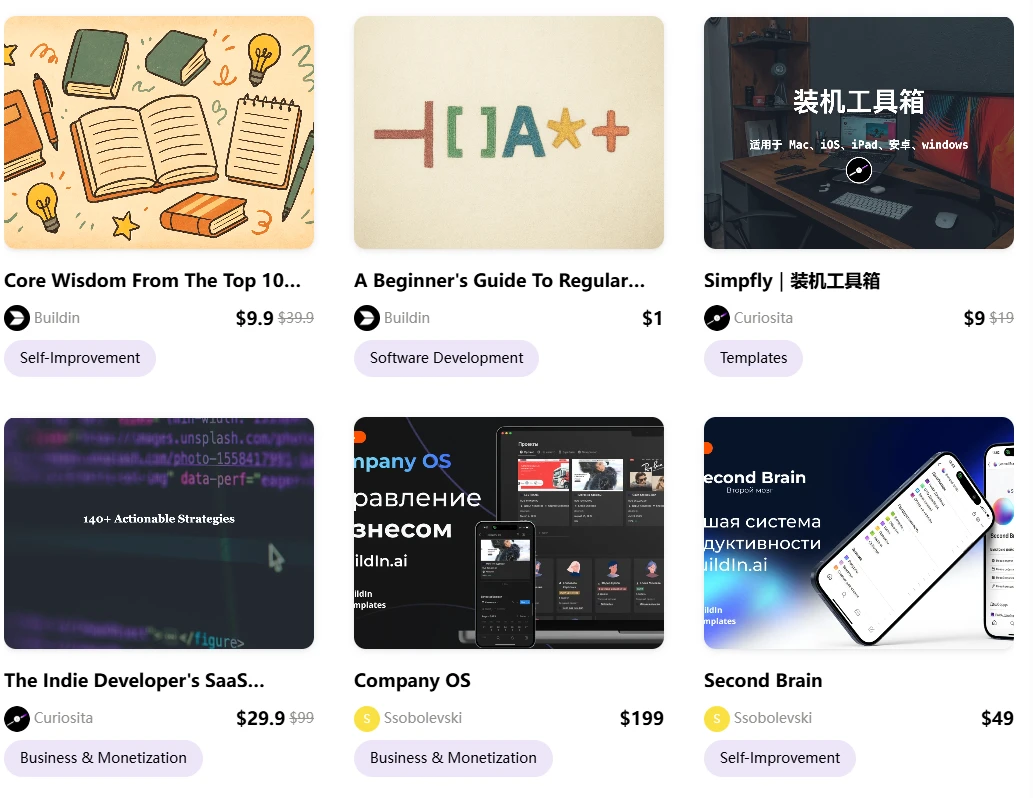
Key Features of Buildin:
AI-Powered Knowledge Base: Buildin includes an AI-powered engine that can search, summarize, and generate content. It helps you quickly find answers across thousands of notes and connect insights instantly.
Mind Maps: Unlike basic note apps, Buildin supports creating mind maps natively. This allows users to structure ideas and plan complex projects logically before they become tasks.
Seamless Notion Import: Migrating is easy. Buildin offers a direct import feature via the Notion API—not just markdown or CSV—preserving your original structure and formatting perfectly.
Enterprise-Level Security: For organizations, Buildin offers private on-premise deployment, ensuring all data remains under the organization’s control—ideal for teams with strict compliance or data security requirements.
Official Site: https://buildin.ai/
2. Things 3: The Gold Standard for Personal Task Management
While Buildin manages your knowledge, Things 3 remains the most refined iPhone task manager for daily execution. In an era of feature-bloat, Things 3 wins through its "opinionated simplicity."
The "Clean" Execution Philosophy
Things 3 is designed around the "Getting Things Done" (GTD) methodology but removes the friction. Its interface is widely considered the most beautiful on iOS. The "Magic Plus" button allows you to drag and drop new tasks directly into specific parts of your list, providing a tactile experience that other iPhone efficiency tools lack.
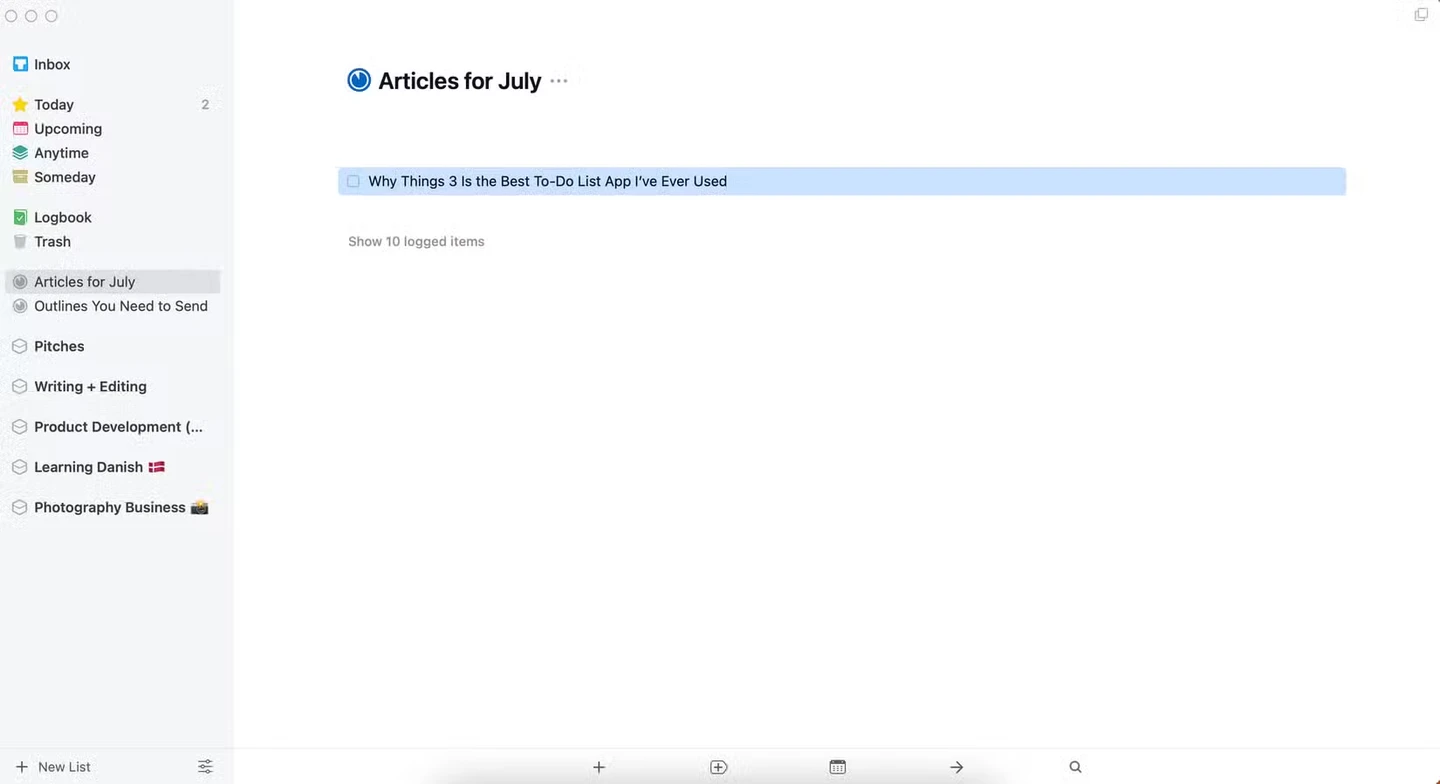
Integration with 2026 Workflows
In 2026, Things 3 has perfected iPhone workflow automation. It syncs perfectly with your "Focus" modes, showing you only work tasks during office hours and hiding them when you are at the gym. It is the perfect companion for individuals who need to clear their heads and focus on one thing at a time.
Official Site: https://culturedcode.com/things/
3. Spark Mail: Reclaiming the Inbox with AI
Email remains the primary team collaboration tool, but it is often a source of stress. Spark Mail solves this by using AI to prioritize human connection over automated noise.
Smart Inbox 2.0
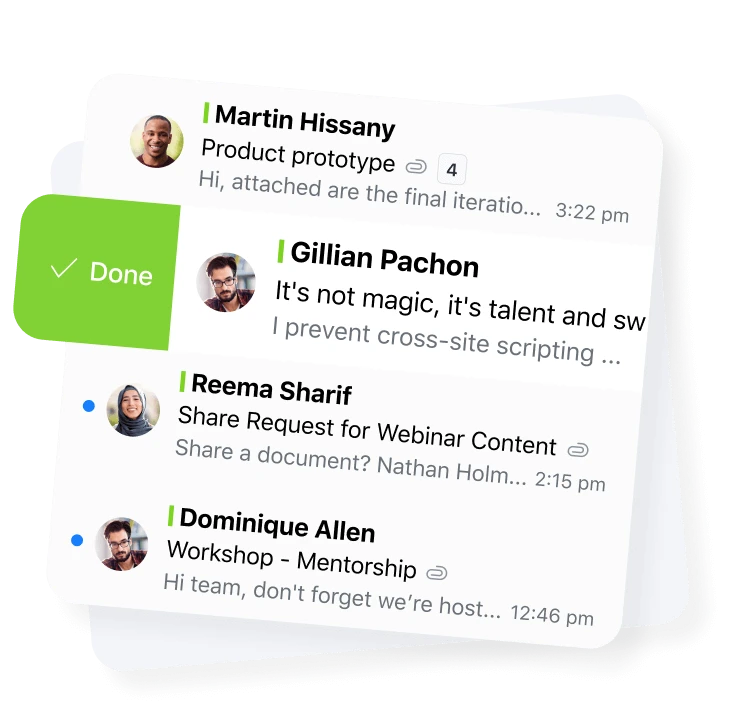
Spark's "Smart Inbox" automatically categorizes emails into People, Notifications, and Newsletters. In 2026, its AI features allow for "Thread Summarization," giving you the gist of a 30-email chain in three bullet points.
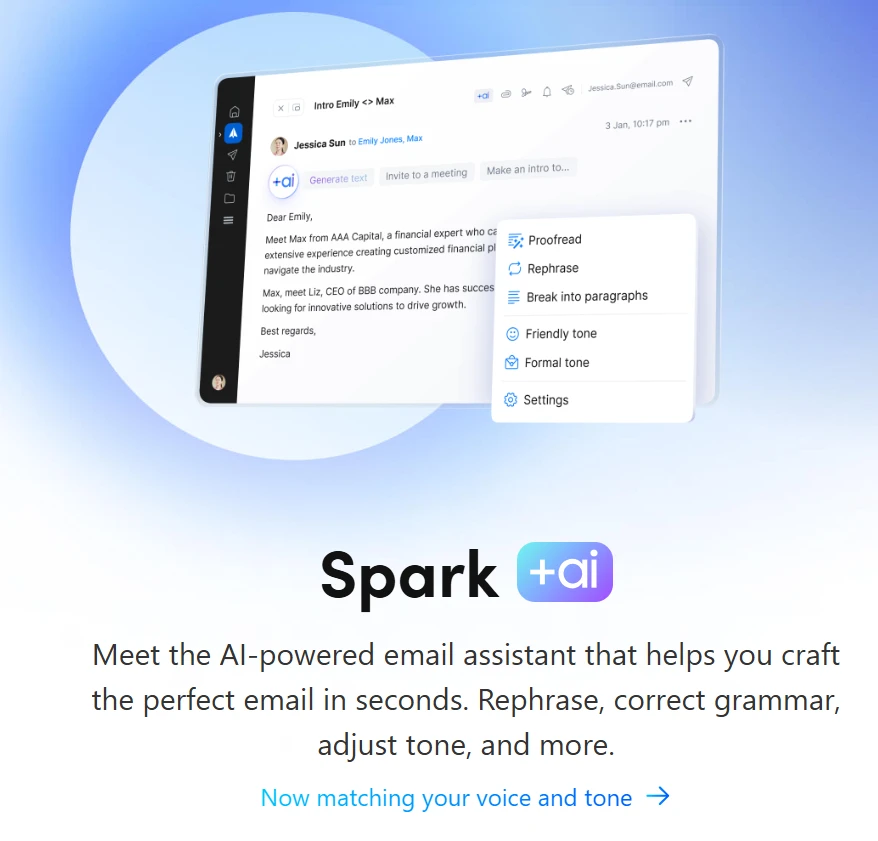
Team Collaboration in Email
Spark allows teams to discuss emails privately in a chat sidebar without the need for endless forwarding. You can also co-author emails in real-time, making it an essential top efficiency app for iOS for professional communication.
Official Site: https://sparkmailapp.com/
4. Focus Flight: The Next-Gen Pilot for Deep Work
In our 2026 update, we have replaced Forest with Focus Flight. While Forest gamified the growth of trees, Focus Flight gamifies the journey of the mind into a state of flow.

Flow State as a Journey
Focus Flight treats every focus session as a "flight" to a new destination. When you start a session, your "aircraft" takes off. If you leave the app to check social media, your flight experiences "turbulence" or an "emergency landing," ending the session. This travel-based metaphor is incredibly effective for maintaining long-term concentration.
Advanced "Flight Data" Analytics
Unlike simpler timers, Focus Flight provides detailed analytics on your "Air Time" (focus duration) and "Cruise Altitude" (the intensity of your focus). In 2026, it integrates with Apple Health to correlate your focus levels with your sleep and heart rate, providing insights that no other iPhone efficiency tool can offer.
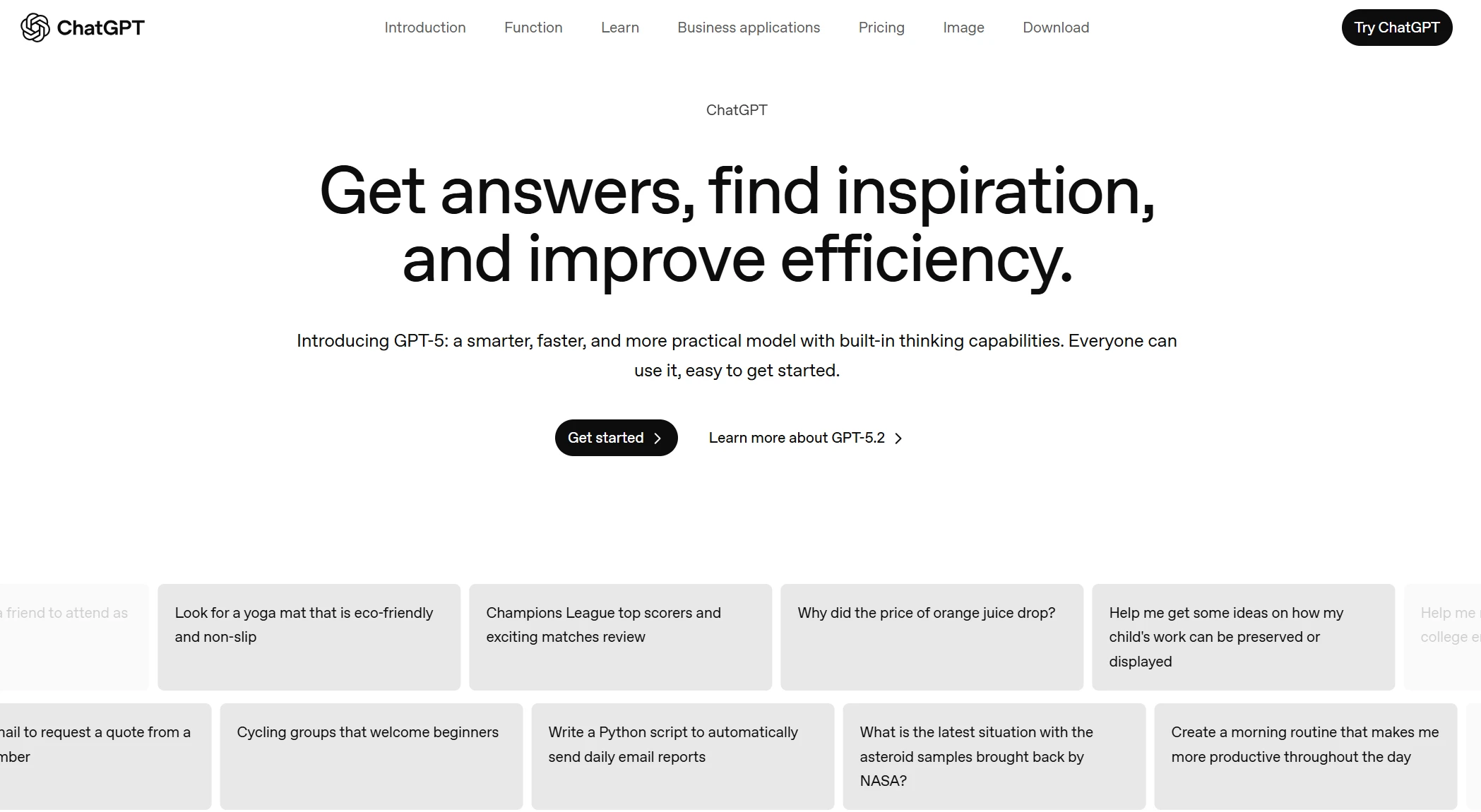
5. ChatGPT: The Cognitive Multiplier
No list of the best productivity apps for iPhone in 2026 is complete without ChatGPT. It has evolved from a simple chatbot into a multimodal cognitive partner.
AI Note-Taking and Brainstorming
ChatGPT’s voice mode is now the gold standard for AI note-taking. You can have a fluid conversation while walking, and then export the transcript directly into your Buildin workspace for further structuring.
Vision and Data Analysis
In 2026, the vision feature allows you to take a photo of a whiteboard or a complex handwritten mind map and have ChatGPT convert it into a structured database or an actionable project plan instantly.
Official Site: https://chatgpt.com/
6. Akiflow: The Master of Time Blocking
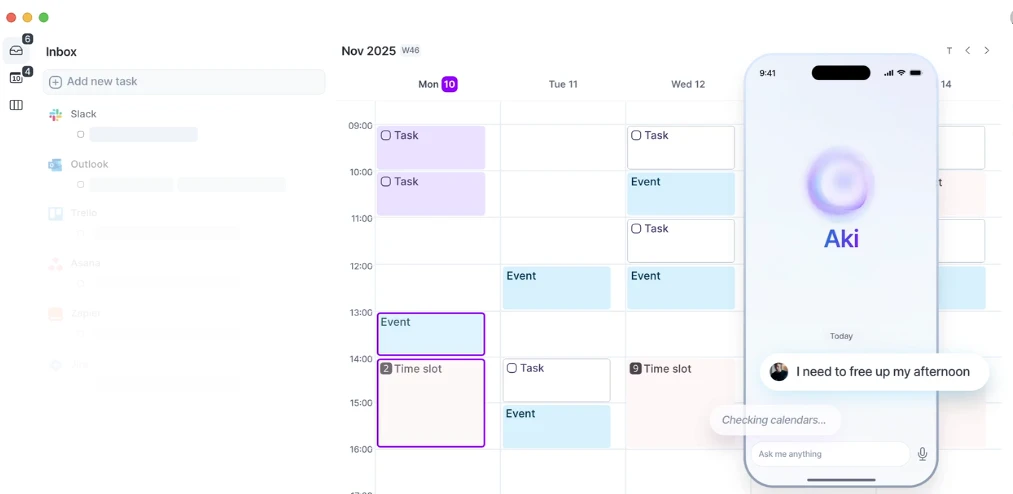
Akiflow is the iPhone efficiency tool designed for those who suffer from "task fragmentation." It combines your calendar and your tasks into a single, unified timeline.
Consolidating the Chaos
Akiflow integrates with Buildin, Gmail, and Slack, pulling all your "todo" items into one inbox. You can then "Time Block" them—dragging tasks onto your calendar to ensure you actually have the hours to complete them. This methodology is the most effective way to prevent burnout in 2026.
Official Site: https://akiflow.com/
7. Goodnotes: The Best for AI Note-Taking by Hand
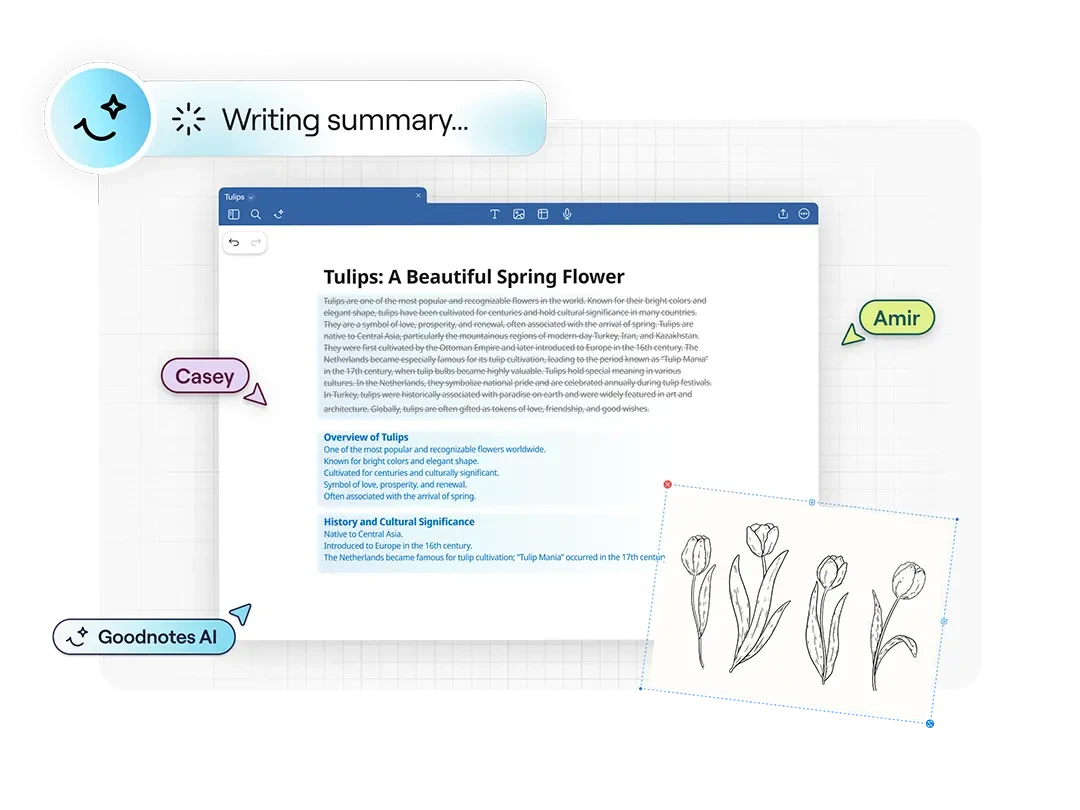
For users who prefer the Apple Pencil, Goodnotes is the leading AI note-taking app. It bridges the gap between analog feeling and digital power.
Interactive Handwriting
Goodnotes' 2026 version features "Handwriting AI" that can correct your spelling in your own handwriting style. Its searchable handwritten text and ability to turn scribbles into perfect shapes make it a favorite for visual thinkers. It pairs perfectly with Buildin's mind-mapping capabilities for a complete research workflow.
Official Site: https://www.goodnotes.com
8. Arc Search: The Productivity-First Browser
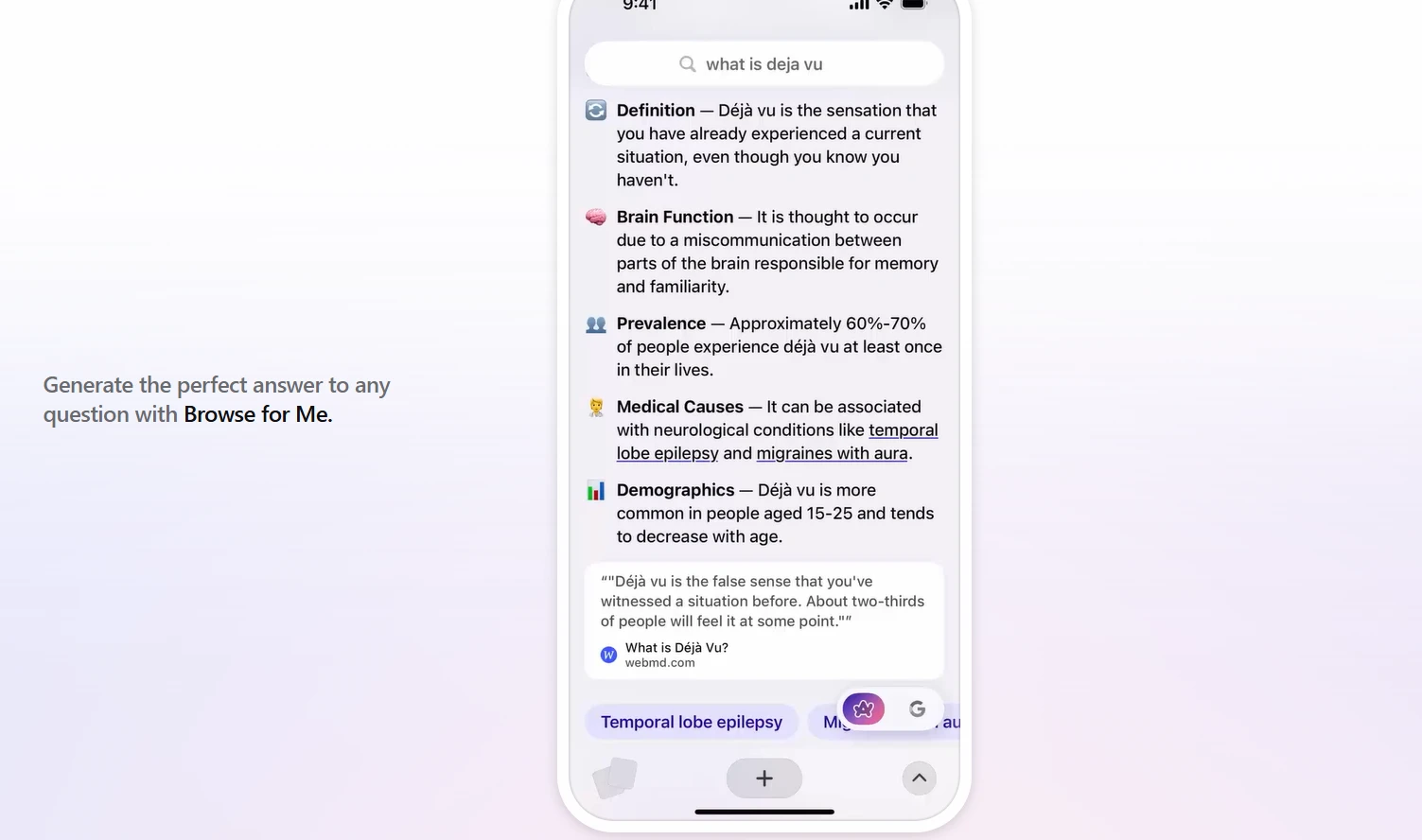
Standard browsing is a time sink. Arc Search is a revolutionary iPhone efficiency tool that changes how we retrieve information.
"Browse for Me"
Instead of giving you a list of blue links, Arc Search uses AI to read the top results and build a custom "answer page" for you. This saves minutes of manual scrolling and is a perfect example of information gain in the modern era.
Official Site: https://arc.net/
9. Drafts: Where Text Starts
Drafts is a high-speed iPhone efficiency tool for those who need to capture ideas before they disappear. It opens to a blank page with the keyboard ready—zero friction.
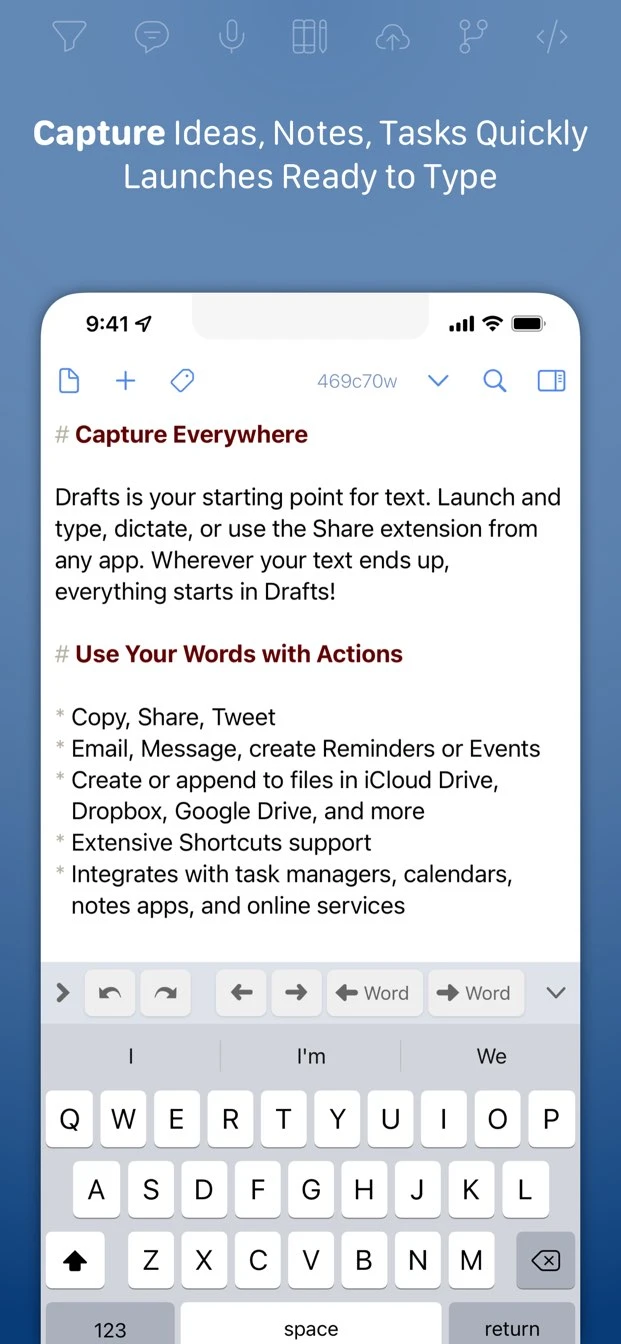
The Power of Actions
The real strength of Drafts is its "Actions." Once you've captured a thought, you can send it to Buildin as a new note, to Things 3 as a task, or to ChatGPT as a prompt with a single tap. It is the central nervous system of a mobile-first workflow.
Official Site: https://getdrafts.com/
10. Shortcuts: The Architect of iPhone Workflow Automation
While it is a native Apple app, Shortcuts is the most powerful tool for iPhone workflow automation. It allows you to build custom macros that connect all the apps on this list.
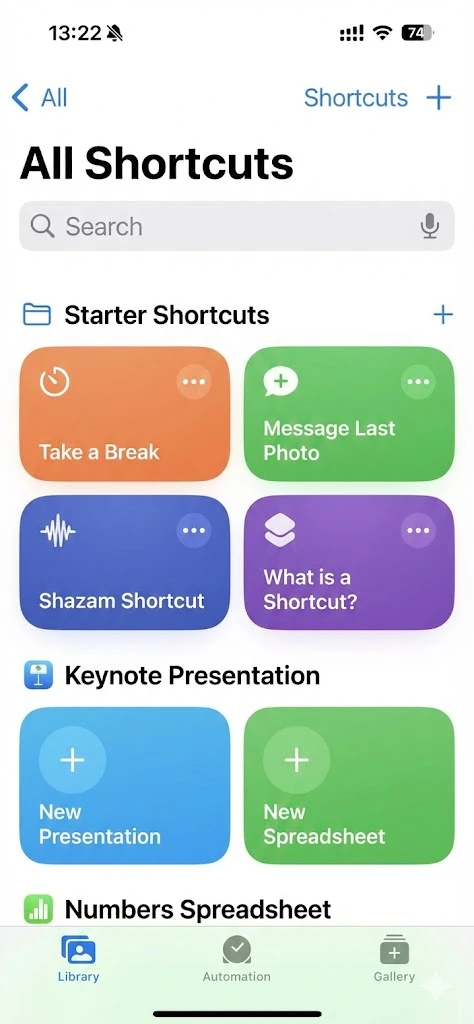
2026 Automation Example
You can build a "Start Workday" shortcut that:
Sets your iPhone to "Focus: Work."
Opens your Buildin dashboard.
Checks your Things 3 "Today" list.
Starts a Forest timer for 60 minutes.
Plays a "Deep Work" playlist on Spotify.
Comparative Analysis: Finding Your Perfect Stack
| Feature | Buildin | Things 3 | Spark Mail | Akiflow |
|---|---|---|---|---|
| Primary Use | All-in-one Workspace | Task Management | AI Email | Time Blocking |
| Best For | Creators & Teams | Minimalists | Professionals | Founders |
| AI Level | High (Knowledge Base) | Low (Context) | High (Summary) | Medium (Sync) |
| Monetization | Yes | No | No | No |
Information Gain: Why Consolidation is the 2026 Trend
In our evaluation of the top efficiency apps for iOS, a clear pattern emerged: consolidation. High-performing individuals are moving away from "single-feature" apps toward platforms like Buildin that function as a Notion alternative but with added business value (monetization).
By using Buildin as your hub, you reduce the "context switching" tax. Instead of moving between a note app, a project tracker, and a payment processor, you do everything in one place. This is the ultimate definition of iPhone workflow automation—reducing the number of steps between an idea and its realization.
FAQ: Frequently Asked Questions about iPhone Productivity
What is the best Notion alternative for iPhone?
Buildin is the best Notion alternative because it offers a superior mobile editing experience, native mind mapping, and a unique monetization feature that Notion lacks.
Can these apps work for team collaboration?
Yes. Apps like Buildin, Spark, and Akiflow are designed as team collaboration tools, allowing for real-time editing, shared inboxes, and workload synchronization.
How do I start with iPhone workflow automation?
Start with the Shortcuts app. Begin by automating simple tasks, like opening Buildin and Forest simultaneously when you arrive at your office.
Are these apps secure for enterprise data?
Buildin is particularly secure because it offers private on-premise deployment, which is a rare and valuable feature among mobile-first productivity platforms.
Conclusion: Start Your Productivity Transformation
The best productivity apps for iPhone in 2026 are those that empower you to do more with less effort. Whether you are a solo creator looking to monetize your expertise via Buildin, or a professional managing a team through Spark and Things 3, the right tools make all the difference.
Your iPhone is the most powerful computer you own. By installing this curated stack of iPhone efficiency tools, you are turning it from a source of distraction into a engine for growth.
Would you like me to help you set up your first workspace in Buildin?

Sency Shen
Skilled in content structuring, topic breakdown, and background research, with a strong interest in knowledge management and content workflows. Responsible for research, information organization, and foundational content preparation at Buildin.